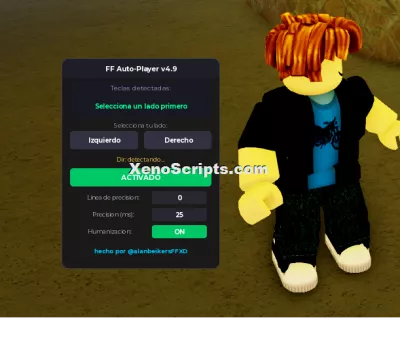
FF Auto Player v4.9 (No Keys)
1,800 views
Select the side where you want to be first, either Left or Right. You must do this first. Once you've done that, you can use the script normally. If you want to know how the other functions work, the Precision Line is where you want the note to be pressed. If you increase the value, the notes will be pressed later. If you decrease the value, the notes will be pressed earlier, depending on the value you enter.
PRECISION: The lower you set this value, the more precise the script will be. The higher you set it, the more likely it is to fail.
HUMANIZATION: The script takes the first three or four values from the Precision Line function and makes the notes be pressed dynamically.
P.S. The script is still in the development phase, which means any errors should be reported in the comments of my YouTube video.


loadstring(game:HttpGet("https://raw.githubusercontent.com/alanbeikers9/scripts-ofuzado-actualizado/refs/heads/main/FF_AutoPlayer_v50.lua"))()
Funky Friday

Funky Friday
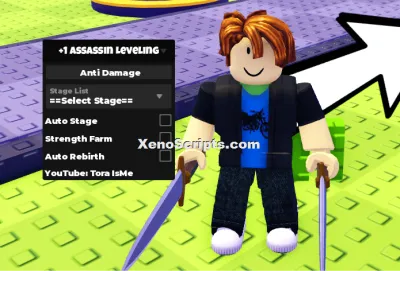
+1 Assassin Leveling

Huss Valley

Cold War
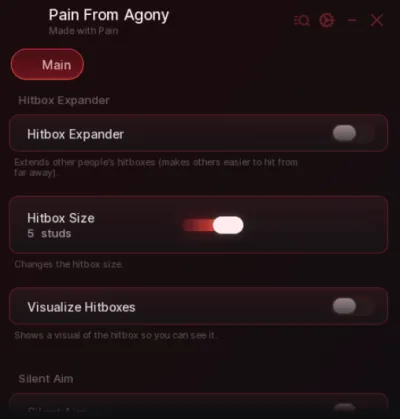
Baddies
Boosting rockets this script to #1 on the homepage. A free account takes 30 seconds.
Log inGrab boosts and rocket your favorite scripts to the top — plus join the booster wall with the RGB ring.
⚡ Go Pro — 10 boosts/month + zero adsIt jumps to #1 in Recent Scripts and your avatar joins the booster wall.

Comments (1)
Log in to add a comment.
tonydlc0814329
1 month ago
very i mean VERY good