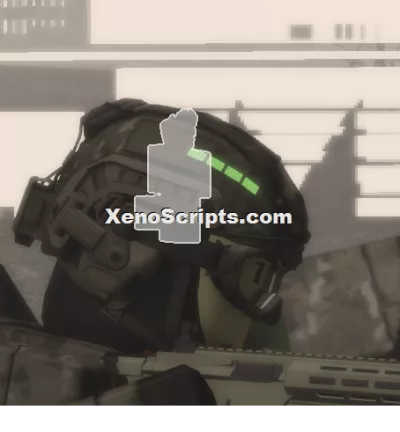
Hellmet Esp [based version.]
1,337 views
This script sometimes will glitch your game while turning on, Press "P" to turn it on/off, everytime you executed the script If it does have a dash, it works.
It can be work in Versus, and undetected by video (turn it off while recording) it shows your strength without esp but you can still turn it on after recording.


--[[
    STABLE TOGGLEABLE ESP
    Fixes: Laser/Aim interference, Chat interference, and Performance lag.
    Toggle Key: "P"
]]

local UserInputService = game:GetService("UserInputService")
local Players = game:GetService("Players")
local Workspace = game:GetService("Workspace")

local toggleKey = Enum.KeyCode.P
local isEnabled = false

-- We use a folder to keep things organized and away from game-critical parts
local ESP_STORAGE = Instance.new("Folder")
ESP_STORAGE.Name = "Local_ESP_Storage"
ESP_STORAGE.Parent = Workspace

-- Highlight Settings
local highlightTemplate = Instance.new("Highlight")
highlightTemplate.Name = "ESP_Object"
highlightTemplate.DepthMode = Enum.HighlightDepthMode.AlwaysOnTop
highlightTemplate.FillTransparency = 0.55
highlightTemplate.OutlineTransparency = 0.25

local colorHostile = Color3.fromRGB(170, 85, 255)
local colorDefault = Color3.new(1, 1, 1)

-- Function to safely remove highlights
local function clearHighlights()
    ESP_STORAGE:ClearAllChildren()
end

-- Toggle Input (Safe Check)
UserInputService.InputBegan:Connect(function(input, gameProcessed)
    -- This prevents the script from breaking if you are typing in chat
    if gameProcessed then return end

    if input.KeyCode == toggleKey then
        isEnabled = not isEnabled
        if not isEnabled then
            clearHighlights()
        end
    end
end)

-- Main Loop (Optimized)
task.spawn(function()
    while true do
        task.wait(1) -- Increased delay to 1 second to reduce CPU usage

        if isEnabled then
            local localPlayer = Players.LocalPlayer
            local localChar = localPlayer.Character

            for _, v in ipairs(Workspace:GetChildren()) do
                -- Ensure it is a character model and NOT us
                if v:IsA("Model") and v:FindFirstChild("Humanoid") and v ~= localChar then

                    -- Check if this model already has a highlight in our storage
                    local existing = ESP_STORAGE:FindFirstChild(v.Name .. "_ESP")

                    if not existing then
                        local hc = highlightTemplate:Clone()
                        hc.Name = v.Name .. "_ESP"

                        -- CRITICAL FIX: We set the Adornee to the player,
                        -- but parent the highlight to our EXTERNAL folder.
                        -- This prevents the highlight from "breaking" the character's parts/lasers.
                        hc.Adornee = v
                        hc.Parent = ESP_STORAGE

                        -- Color Logic
                        if v.Name == "Hostile" or v.Name == "TaskForce" then
                            hc.OutlineColor = colorHostile
                            hc.FillColor = colorHostile
                        else
                            hc.OutlineColor = colorDefault
                            hc.FillColor = colorDefault
                        end
                    end
                end
            end

            -- Cleanup highlights for players who left or died
            for _, highlight in ipairs(ESP_STORAGE:GetChildren()) do
                local targetName = string.gsub(highlight.Name, "_ESP", "")
                if not Workspace:FindFirstChild(targetName) then
                    highlight:Destroy()
                end
            end
        end
    end
end)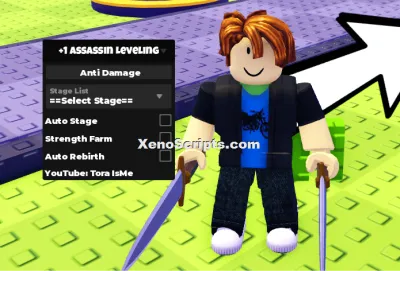
+1 Assassin Leveling

Huss Valley

Cold War
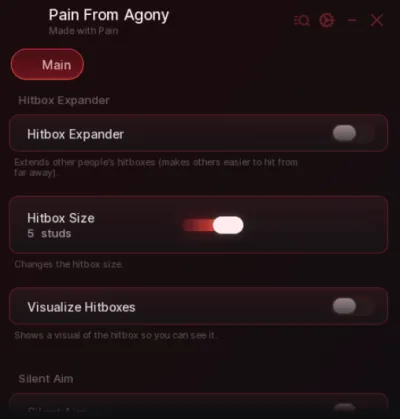
Baddies
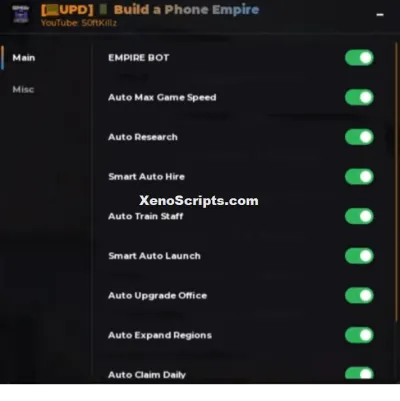
Build a Phone Empire
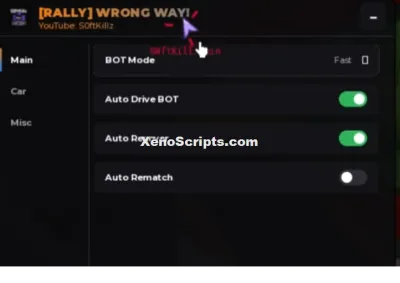
WRONG WAY
Boosting rockets this script to #1 on the homepage. A free account takes 30 seconds.
Log inGrab boosts and rocket your favorite scripts to the top — plus join the booster wall with the RGB ring.
⚡ Go Pro — 10 boosts/month + zero adsIt jumps to #1 in Recent Scripts and your avatar joins the booster wall.

Comments (0)
Log in to add a comment.